

One customer.
A story that carries forward.
Follow Maya from the first note to a changed preference, a useful answer and the wording behind it. Actual desktop captures, with sample customer data.
- Appointment preference
- Thursday afternoons
- Product preference
- Fragrance-free products
Input + saved result · Screenshot excerpts. Open original desktop capture
- Previous time
Thursday afternoons- Current time
- Friday after 4pm
- Still remembered
- Fragrance-free products
Input + saved result · Screenshot excerpts. Open original desktop capture
Start with the conversation.
Just type a message, paste a note or describe a call. PulseAI handles the relevant workflow and retains useful customer context, without commands, field mapping or pipeline setup.
See the sample input
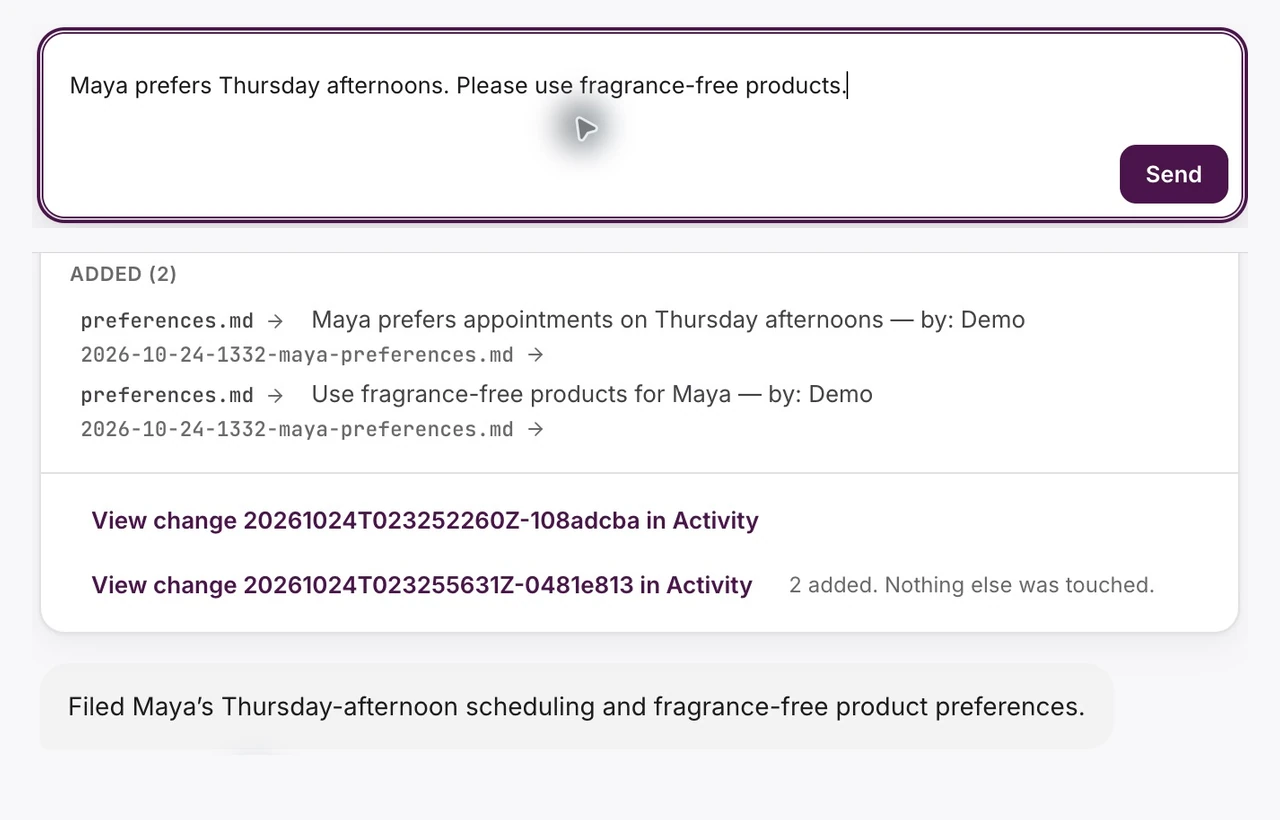
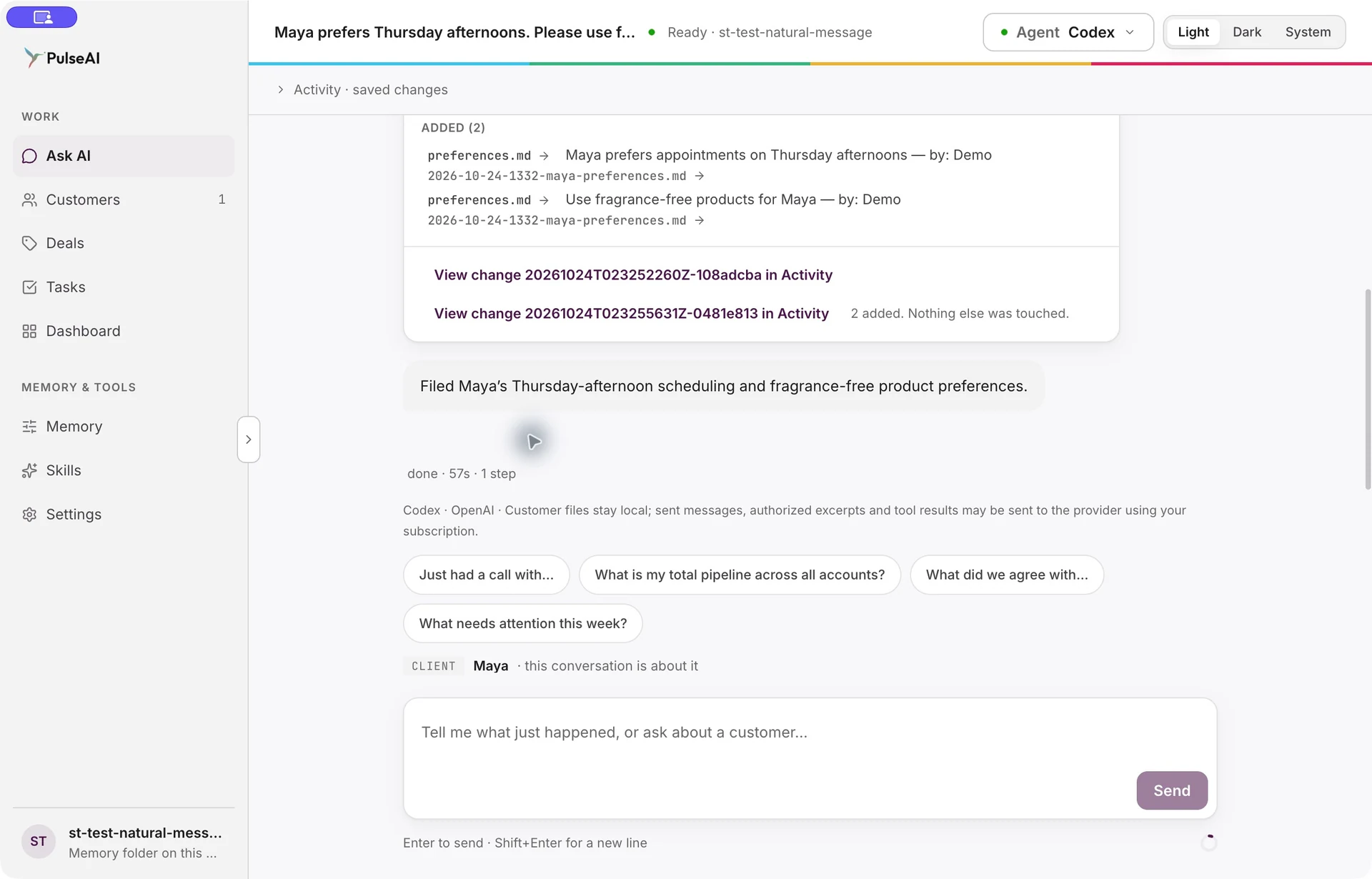
Maya prefers Thursday afternoons. Please use fragrance-free products.
Confirm a new client when prompted. PulseAI creates Maya and retains both preferences in a Filed to memory receipt.
- Appointment preference
- Thursday afternoons
- Product preference
- Fragrance-free products
Input + saved result · Screenshot excerpts. Open original desktop capture
Keep up as your customers change.
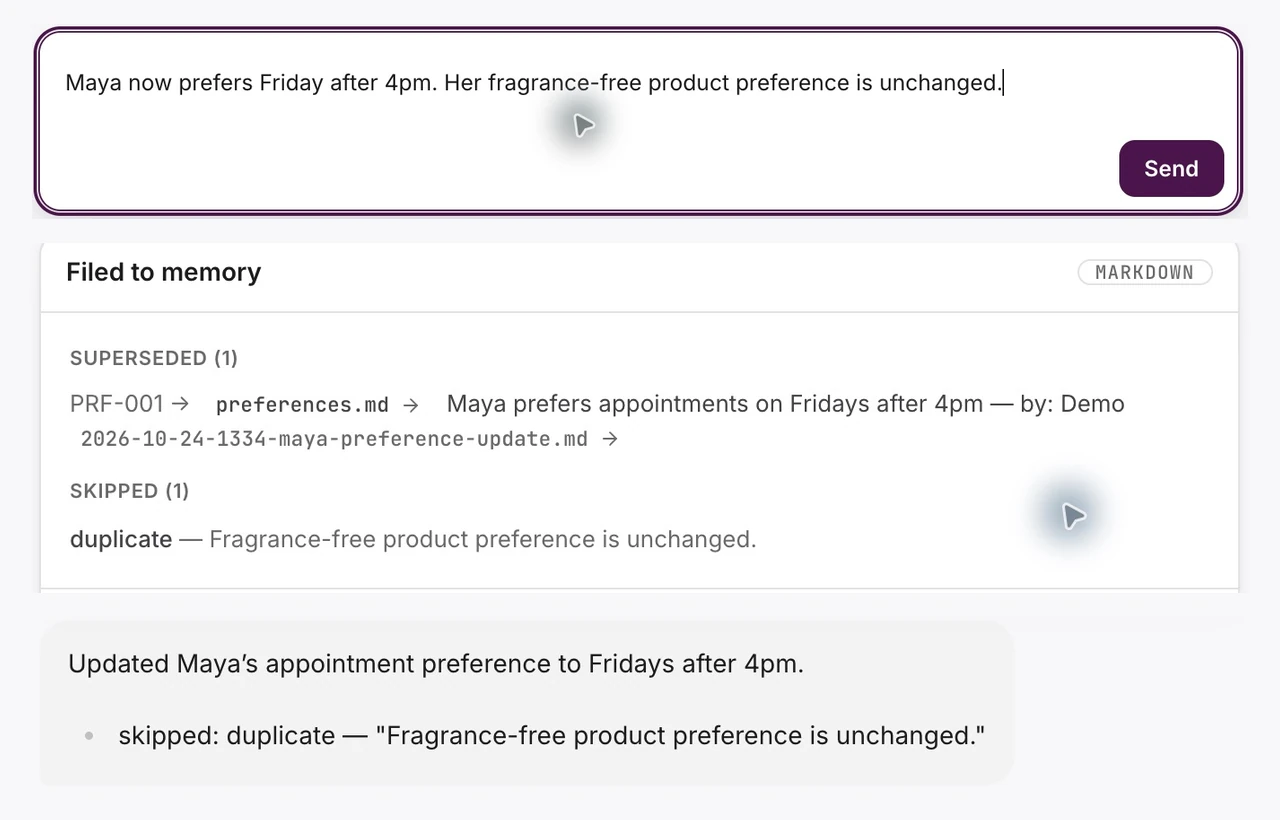
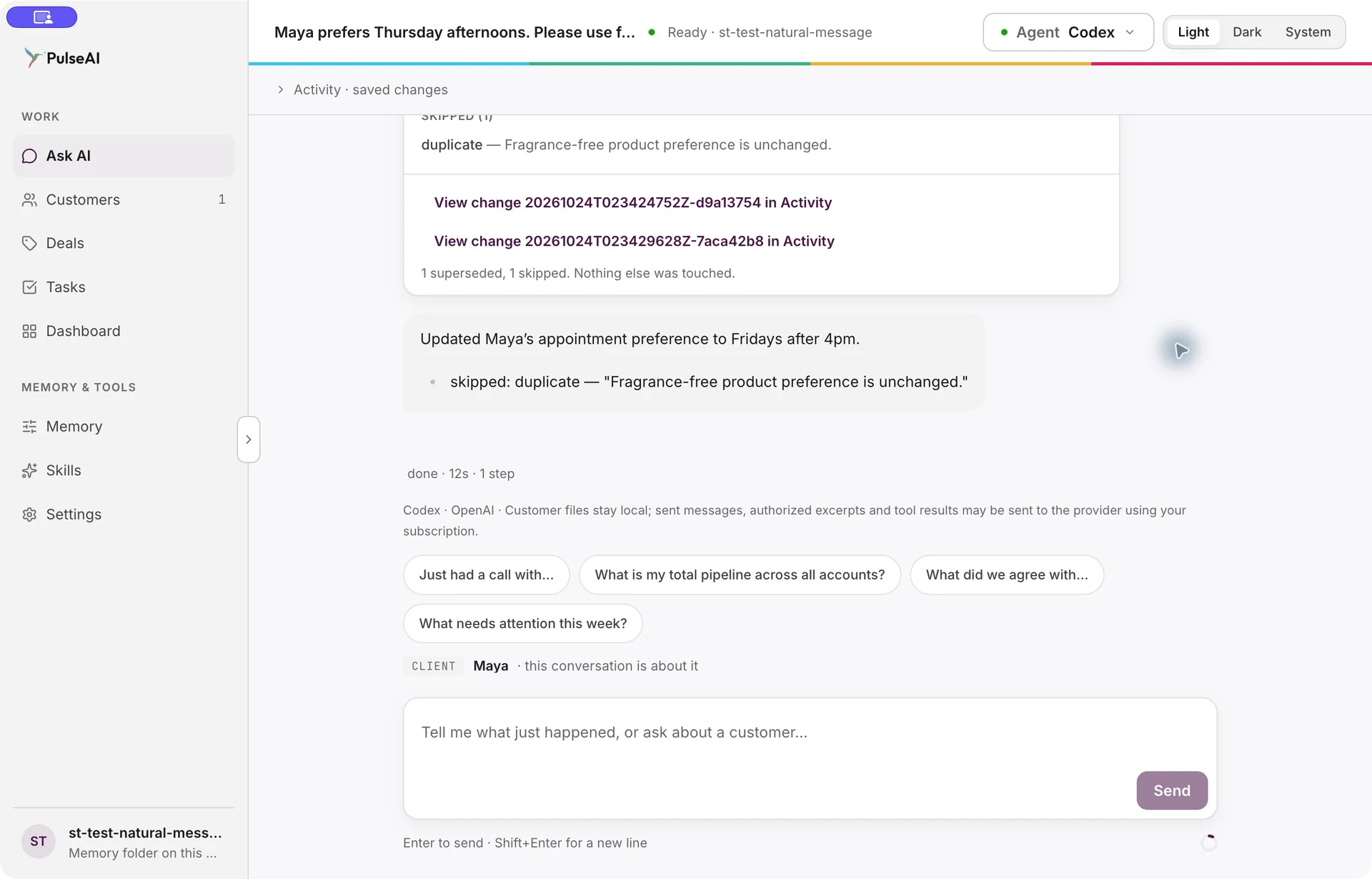
Send the next message when something changes. Maya’s preferred time moves from Thursday afternoons to Friday after 4pm; her fragrance-free preference still applies.
See the sample input
Maya now prefers Friday after 4pm. Her fragrance-free product preference is unchanged.
Friday after 4pm becomes the current appointment preference. The fragrance-free preference stays in the customer’s memory.
- Previous time
Thursday afternoons- Current time
- Friday after 4pm
- Still remembered
- Fragrance-free products
Input + saved result · Screenshot excerpts. Open original desktop capture
Pick up where you left off.
Ask in ordinary language. Bring current needs, preferences and earlier commitments back into view before you follow up.
See the sample input
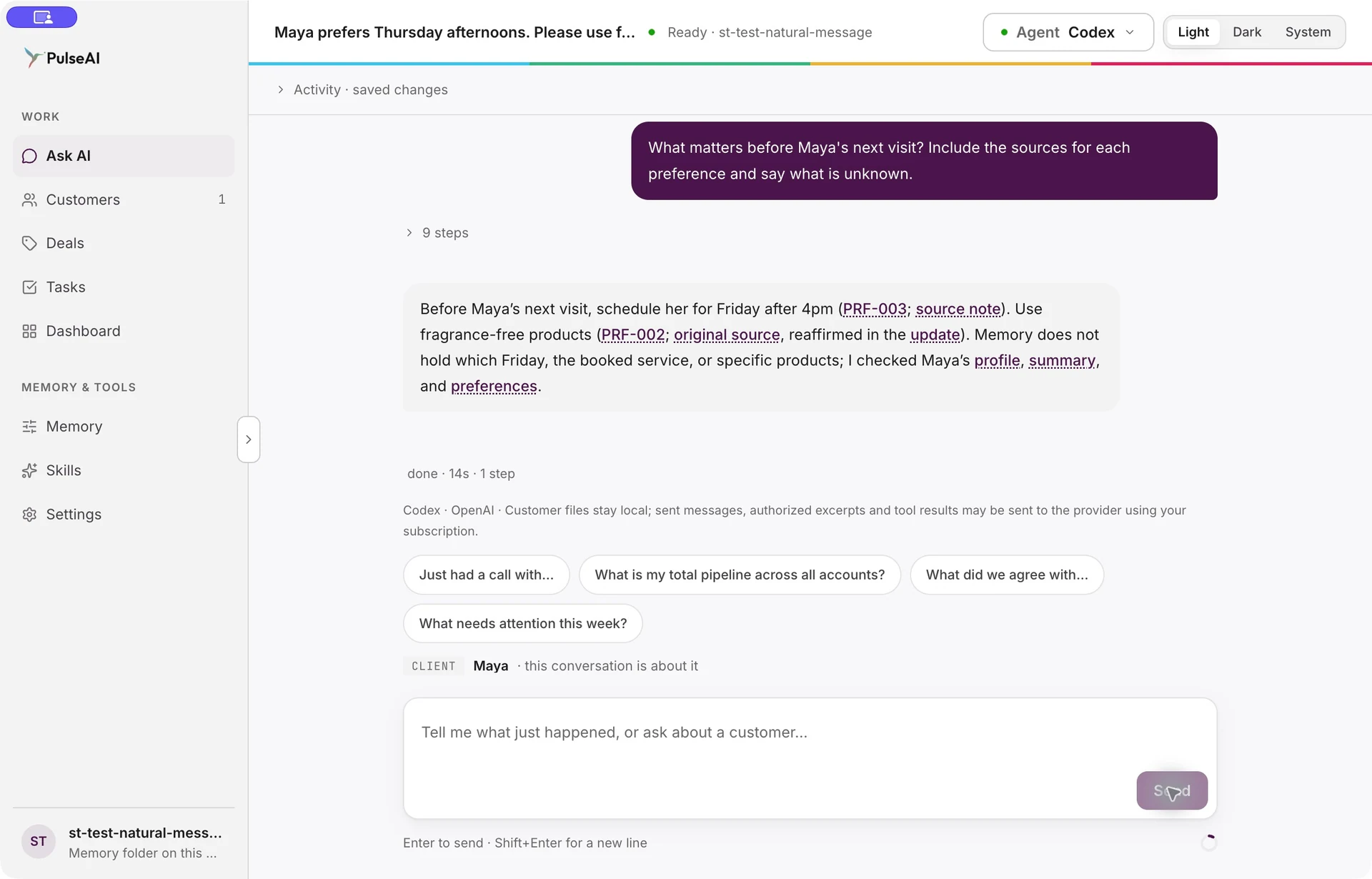
What matters before Maya’s next visit? Include the sources for each preference and say what is unknown.
A natural-language answer brings together the current appointment preference and product preference, with links into customer memory.
Open the supporting noteGo back to the original wording.
Follow a customer detail into Memory. Read the supporting note, understand where it came from and make your next decision with the context in view.
See the sample action
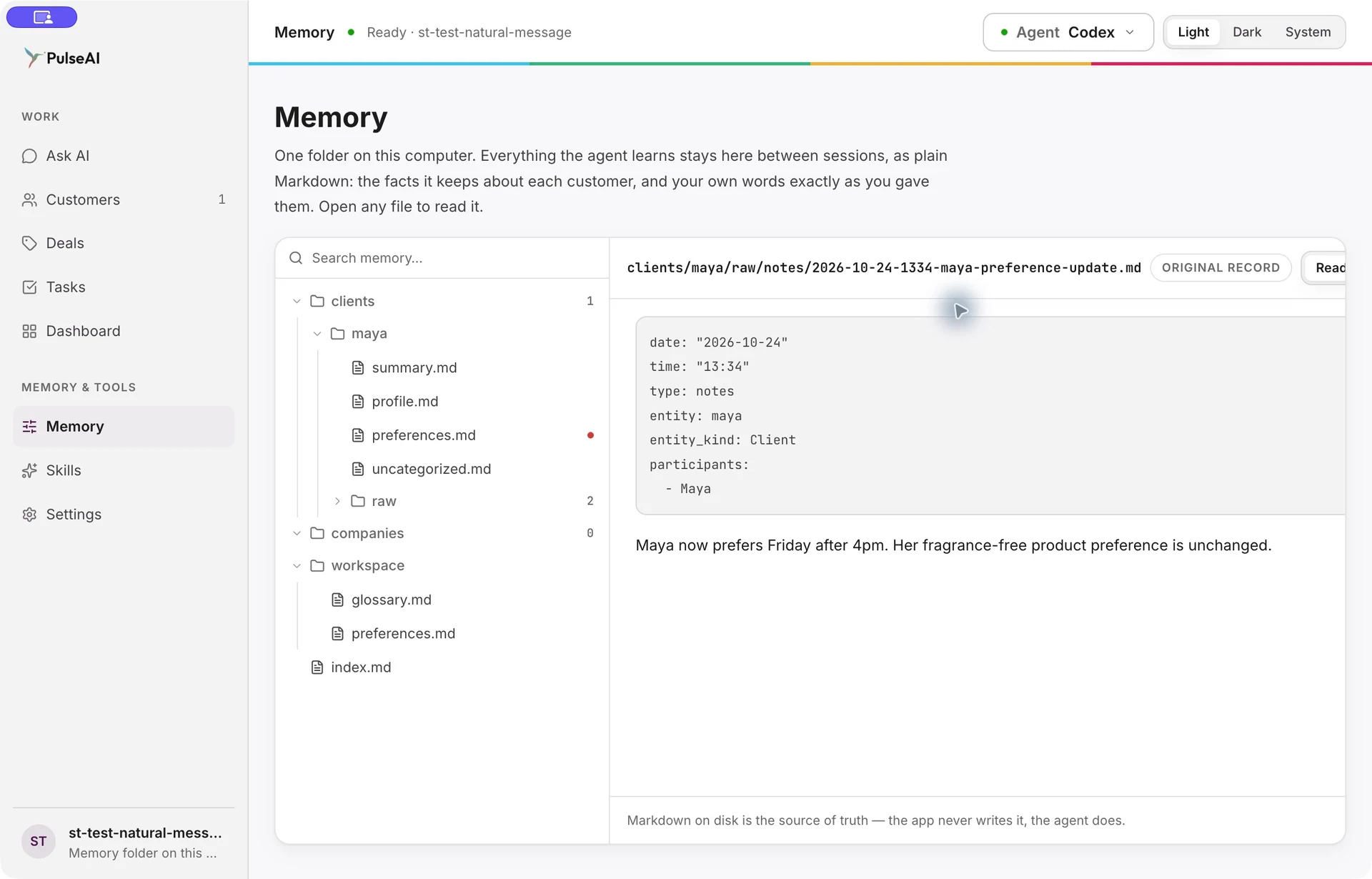
Open the note behind the appointment preference.
Memory opens the supporting original note in its file tree and reading pane.
Maya now prefers Friday after 4pm. Her fragrance-free product preference is unchanged.
Lasting customer memory. Stronger relationships. Clearer next steps.
See PulseAI in your
customer workflow.
Bring a customer workflow you want to improve. See how PulseAI helps you retain what matters, prepare your next conversation and spot where to follow up.
Request a demo